
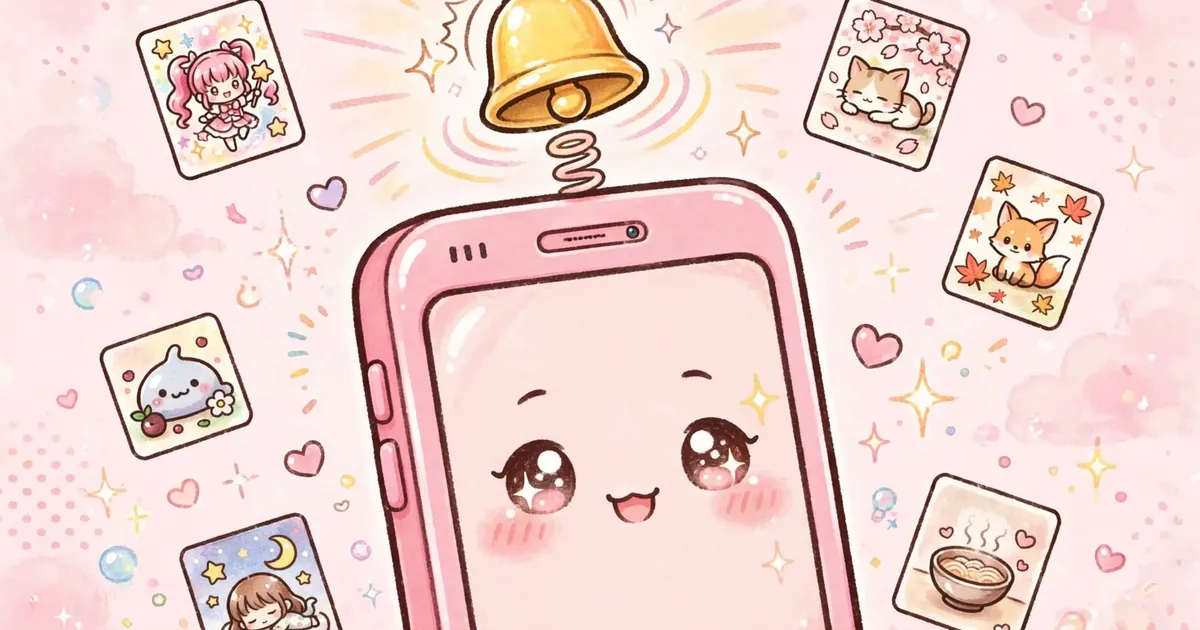
Following ongoing anime week to week is effortless with episode notifications. Tell Kucing Pink which series you care about, and it pings you when new episodes land. No more checking manually every Friday.
Setting it up
Open any ongoing series, tap follow or enable notifications on its detail page, and allow the notification permission when Android asks. That is the whole setup. The permission is optional and safe; our permissions guide confirms it does nothing sneaky.
Pairing with My List
Notifications and My List are better together: bookmark the series so it is one tap away, follow it so you know when to tap. For finished series you are binging, the auto next feature handles the chaining.
Troubleshooting alerts
No pings arriving? First check Android Settings, Apps, Kucing Pink, Notifications is allowed. Then exempt the app from battery optimization, since aggressive savers silence background alerts. Both steps are also in our fixes guide.